Sandcastle Controls and Input
Mouse-only support, Steam Deck play, and in-game binding prompts.
Input philosophy
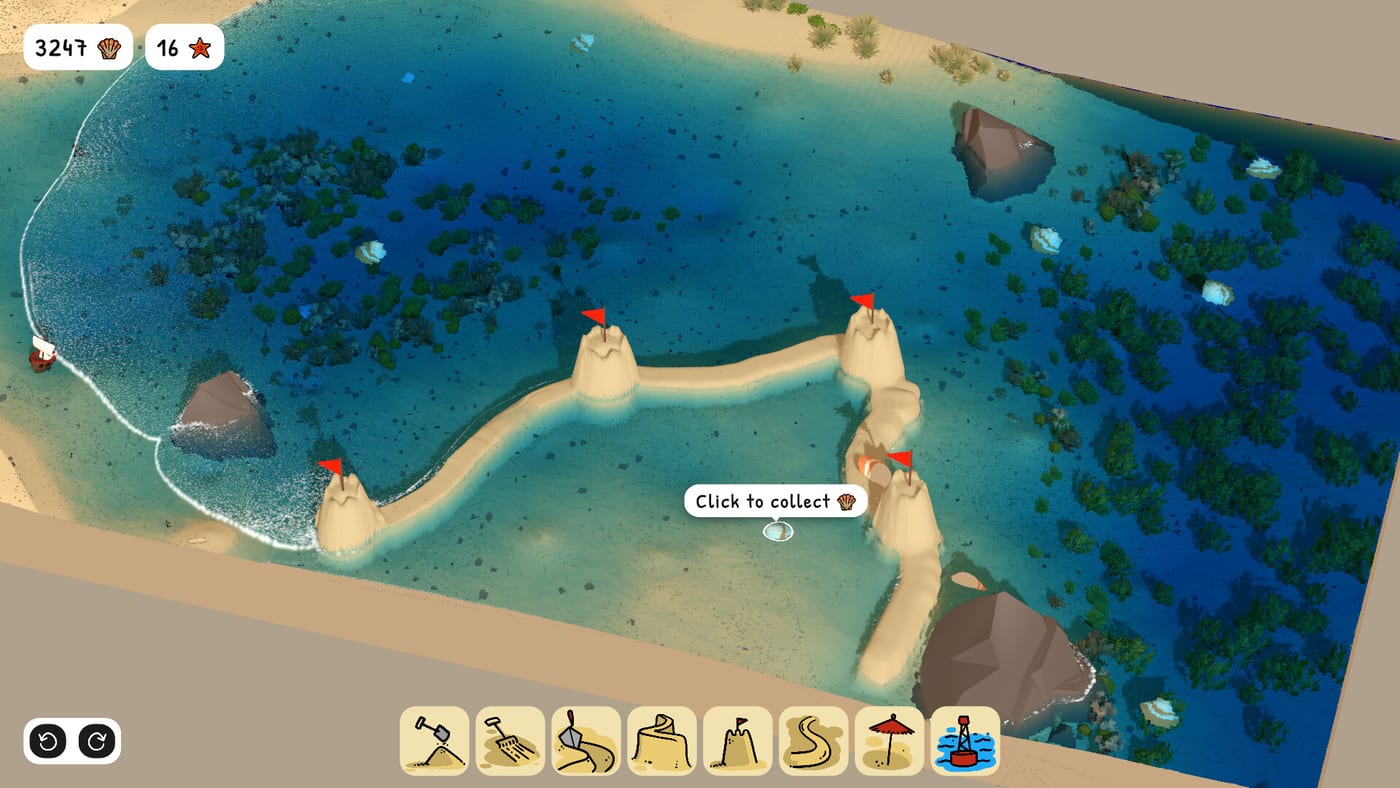
Sandcastle is a cozy sandbox meant to feel like hands-on beach building. Bubblebird Studio supports mouse-driven play on PC alongside controller-friendly setups on Windows, macOS, Linux, and Steam Deck per Steam listings. Rather than publish unverified key tables that may change per platform or patch, this wiki points you to in-game prompts that appear when selecting tools and camera modes.
Mouse-only play
Steam marketing highlights a mouse-only option for relaxed sessions. Expect primary actions on click-and-drag patterns: selecting sand, moving camera, and confirming tool modes via contextual UI. Exact bindings display at the bottom or side of the screen when you highlight a tool in the demo.
If you stream or record, hide desktop overlays so prompts remain readable for viewers learning alongside you.
Steam Deck and touch
On Steam Deck, combine trackpad or stick camera control with trigger or face-button actions as shown in prompts. Fine Carving Tools work benefits from zooming closer—use in-game camera hints rather than forcing long strokes.
Deck players should read Building Tips for pacing long tide waits comfortably in handheld mode.
Camera controls
Camera movement is critical for moat inspection and merlon carving. Prompts typically cover orbit, pan, and zoom near the waterline. Practice camera sweeps on Base Beach before detailing Barrier Beach walls where fetch obscures low angles.
Tool selection
Tools unlock gradually in the demo (Tools Hub). Selection wheels or bars show digging, carving, and related modes with icons. Switch tools when progress stalls—see Digging Tools versus Carving Tools.
Accessibility considerations
There is no documented competitive ranked mode requiring fast inputs. Take breaks during long tide cycles. Mouse-only mode avoids chorded keyboard shortcuts where supported.
What we avoid listing here
Exact keys (e.g., Q/E/R) may differ by locale keyboard, Steam Input templates, or post-launch rebinding features. Check in-game prompts after every patch—especially following Demo Launch Update notes.
Related onboarding
New players: How to Play → Demo Download → first Base session.
Multiplayer note
Sandcastle is single-player only. Controls documentation assumes one local user; there is no couch shared multiplayer build mode in store materials.
Steam Input on Deck
Community templates may remap tools differently. Always read the active Steam Input layer name in overlay when controls feel wrong after a Steam OS update.
Mouse sensitivity
There is no competitive aim requirement—lower sensitivity can improve carving precision on mouse-driven sessions. Adjust via OS or in-game options if prompts expose sliders.
Future rebind features
If Bubblebird adds formal rebind menus post-demo, this page will still defer to on-screen prompts as source of truth rather than static wiki tables that rot.
Frequently Asked Questions
Quick answers drawn from the same systems covered above.
Can I rebind keys?
Steam Input and in-game options may offer rebinding on PC. Check settings menus in your demo build.
Is controller required on Deck?
No. Mouse-style and controller templates are supported per platform listings.
Are there keyboard shortcuts for tools?
Prompts may show shortcuts on PC, but this wiki avoids listing unverified binds.
Does Sandcastle support ultrawide?
PC builds typically support arbitrary resolutions; UI scale may vary.
Is there gyro aiming?
Not documented officially. Rely on Steam Deck control prompts if gyro appears in options.
Can I play entirely with one hand?
Mouse-only mode targets simpler input, but comfort varies. Experiment with prompts and camera zoom.